


Nobody picks scheduling software expecting to regret it. You do a quick search, skim a few reviews, find something that looks like it’ll do the job, and sign up. It seems fine at first. Then, a few weeks in, something surfaces that doesn’t work the way you needed it to.
The cancellation policy can’t be enforced the way you assumed. The mobile booking page your clients see is clunky. Rescheduling takes five steps when it should honestly take one.
Switching platforms isn’t the end of the world, but it’s a genuine pain. Client data to migrate, availability settings to rebuild, booking links to resend. All of it is avoidable, but only if you know what to actually look for before you decide.
The appointment scheduling software features that matter most aren’t usually the ones front and center on a product’s homepage. They’re the quieter ones that determine whether the system actually fits the way your business runs. That’s what this article is here to help you figure out.
Evaluate the Client Experience Before Anything Else
This is the part most people get backwards, and it’s an easy mistake to make. During evaluation, the natural instinct is to focus on what’s comfortable and easy on your end. What does the dashboard look like? How are reports pulled? How do you edit a service?
All of that matters. But it comes second to a more important question: what does it feel like for a client to book with you?
A booking flow that asks for too much, moves too slowly, or doesn’t work properly on a phone loses people before they finish. There’s no complaint, no follow-up message; they just don’t complete it and move on.
An extra required field, an awkward layout on mobile, an account creation step nobody asked for, any single one of these things causes dropoff, and dropoff means losing bookings from people who were already motivated enough to start.
Good scheduling software tools make the whole thing feel frictionless on the client side. A clean page, mobile-optimized, done in a couple of minutes. Confirmation arrives immediately. Nothing to second-guess or struggle with.
The most useful thing you can do before committing to any platform is go through the booking process yourself as if you were a client who’d never seen it before. Every moment you hesitate, your clients will hesitate too. Every step that feels like one too many, it is one too many.
Features That Genuinely Earn Their Place
If a platform doesn’t do this well, stop the evaluation there. Automated reminders are one of the highest-value automated scheduling features any booking system can offer, and the effect on no-shows is not subtle.
The reality is that most missed appointments aren’t intentional. People book something three weeks out with every intention of showing up, and then life gets busy, and it slips. A reminder sent the day before, and another a few hours out, keeps the appointment present without you having to do anything at all.
One prevented no-show per week covers the cost of most subscription tiers by itself. The math doesn’t need to be more complicated than that.
Look for customizable timing and message content, SMS reminders alongside email, and a log that shows what actually went out so you’re not guessing.
TwoWay Calendar Sync
Your booking system and your real calendar need to be in constant conversation. When they aren’t, you’re managing two separate versions of your schedule, and it’s only a matter of time before they disagree.
A client books a slot you’d mentally reserved for something else. You block off time on your end without it updating your availability. These aren’t edge cases; they happen regularly when sync isn’t reliable.
Two-way real-time sync with Google Calendar, Outlook, or Apple Calendar should be a given with any digital appointment software tools worth your time. Not an upgrade. Not a premium tier feature. A baseline expectation.
Availability and Buffer Time You Actually Control
You should be able to define exactly when you’re bookable with real granularity. By day, by time block, by specific date. And you should be able to set buffer time between appointments without any workaround or creative calendar blocking.
That buffer time is one of those things that sounds minor on paper and feels enormous in practice. Fifteen minutes between clients to write a note, reset the space, drink water, take a breath that’s not padding. That’s what keeps a full schedule from becoming an exhausting one. You notice it’s missing about a month in, and by then, you’re already dreading back-to-back days.
Deposits and Payment at the Point of Booking
There’s a meaningful behavioral difference between a client who has paid something to hold a slot and one who hasn’t. The one who paid shows up. Consistently, across industries, across business sizes, the data and the lived experience of service providers align on this.
For anyone working out of a salon chair for rent or a space where each slot has a real dollar cost attached to it, this feature goes from useful to essential. A no-show when you’re renting by the hour isn’t just a gap in your day.
It’s overhead you’ve already paid for sitting idle. Deposit collection at booking is one of the cleanest ways to protect that revenue without making every cancellation conversation feel like a negotiation.
Cancellation and Rescheduling Policies That Actually Stick
You define the window. The platform enforces it. Clients who cancel inside that window receive whatever consequences you’ve set, automatically, without you having to step in and have the conversation.
This is one of those appointment scheduling software features that sounds straightforward in a product demo and turns out to be one of the most practically valuable things in the system, the first time a client tries to cancel forty-five minutes before their appointment, and the policy just handles it.
The Essential Booking Checklist
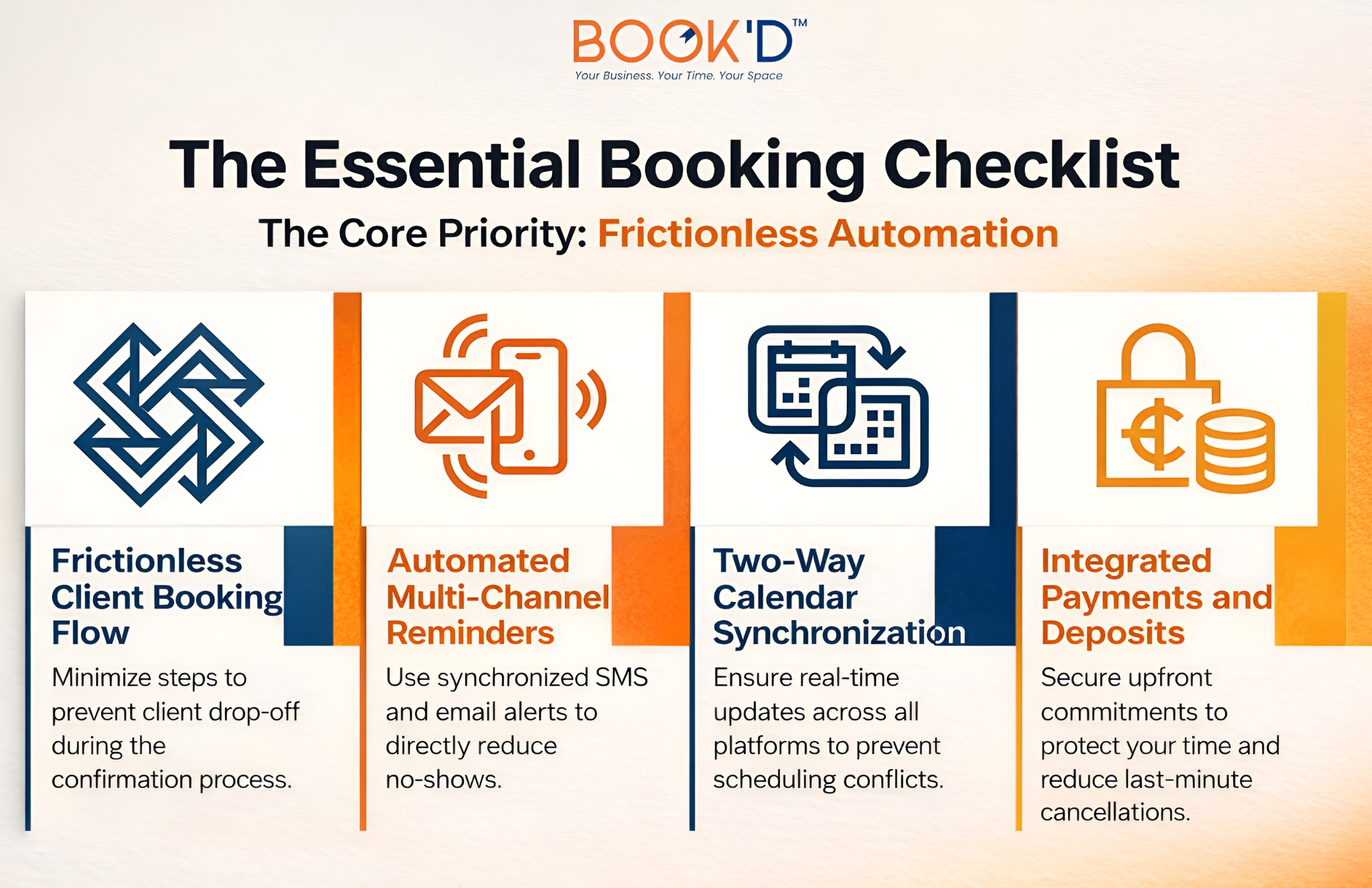
The Features That Round Out a Solid Setup
Collecting information at the point of booking means you walk into every session already knowing what you need to know. A new client form, a health intake, a few questions about preferences or goals, none of that has to happen in the first ten minutes of the appointment anymore.
For wellness practitioners, beauty professionals, and anyone whose service benefits from preparation, this feature quietly saves a surprising amount of time across a full week.
Client History and Notes
There is a real difference between a return visit that feels personal and one that feels like starting from scratch every time. Knowing a client came in six weeks ago, what service they had, and what you noted afterward, that’s the difference.
Most solid platforms track this automatically and surface it when you pull up a profile. It takes no extra effort, and it changes the quality of the interaction.
Resource-Level Booking
Not every business needs this. But if you manage more than one room, chair, or bookable space, you need a system that tracks availability at the resource level, not just the account level. Someone managing a lash room for rent alongside their own client schedule needs the platform to understand that both things exist and that they can conflict.
A system that only knows your personal availability will eventually let those two things collide. Confirm a platform can genuinely reflect your real-world setup before you build your workflow around it.
A Booking Page That Actually Looks Like Your Business
Your booking page is frequently the first real touchpoint a new client has with you. A generic template with default branding and placeholder style descriptions doesn’t do anything to build confidence or set the right tone.
Your logo, your colors, and your service descriptions written the way you’d actually describe them signal that you take your business seriously. That impression lands before the appointment even begins.
Explore what other services Just-Booked has for you.
Side-by-Side: What to Actually Compare
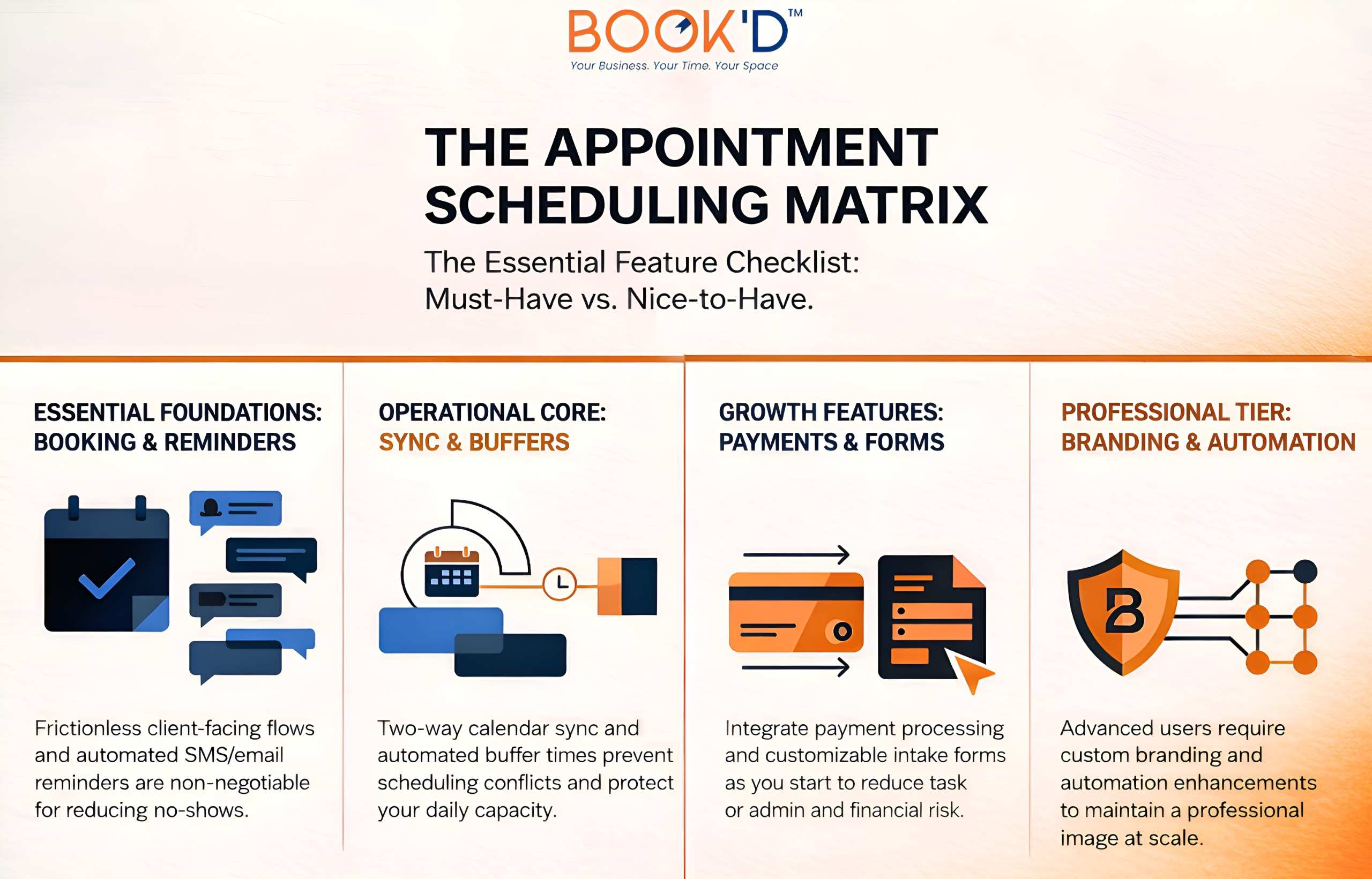
The Thing Nobody Puts on the Features List
Support. It doesn’t show up in comparison charts, and it rarely makes it into demos, but it shapes the actual experience of using a platform more than most features do.
When a payment fails to process, a reminder isn’t sent, or a client calls because they can’t access their booking link, what happens next? Is there someone to contact, and do they actually respond in a timeframe that helps?
Read reviews specifically for support before you decide. Not overall ratings. Support specifically. A polished interface and slow, unhelpful customer service will cost you more in stress and lost time than a slightly plainer platform that solves problems quickly when they come up.
FAQs
What features should I focus on first?
Start with reminders, calendar sync, and payment collection. These three have the most direct impact on no-shows, double bookings, and revenue protection. Everything else is secondary until these are working well for your setup.
Is free scheduling software actually worth it?
For very simple needs, sometimes. But most service businesses hit the ceiling of free tiers quickly. The features that genuinely change operations tend to live behind paid plans. One prevented no-show per month typically covers the cost of most entry-level subscriptions.
Do reminders actually make a difference for no-shows?
Yes, consistently. Most no-shows aren’t deliberate; people forget, especially for appointments booked weeks in advance. A well-timed reminder closes that gap significantly. Pair it with a deposit requirement, and the improvement is even more noticeable.
Can scheduling software manage multiple rooms or staff?
Many platforms can, but how well they do it varies. If your setup involves multiple spaces or providers, look specifically for resource-based availability rather than account-level scheduling. Test your actual use case during a trial before committing.
What makes a booking experience feel good to clients?
It works on a phone without effort, asks for as little as necessary, and looks like it belongs to your business. Run a test booking yourself and pay attention to where it feels slow or unnecessary. That’s exactly where your clients will feel it too.